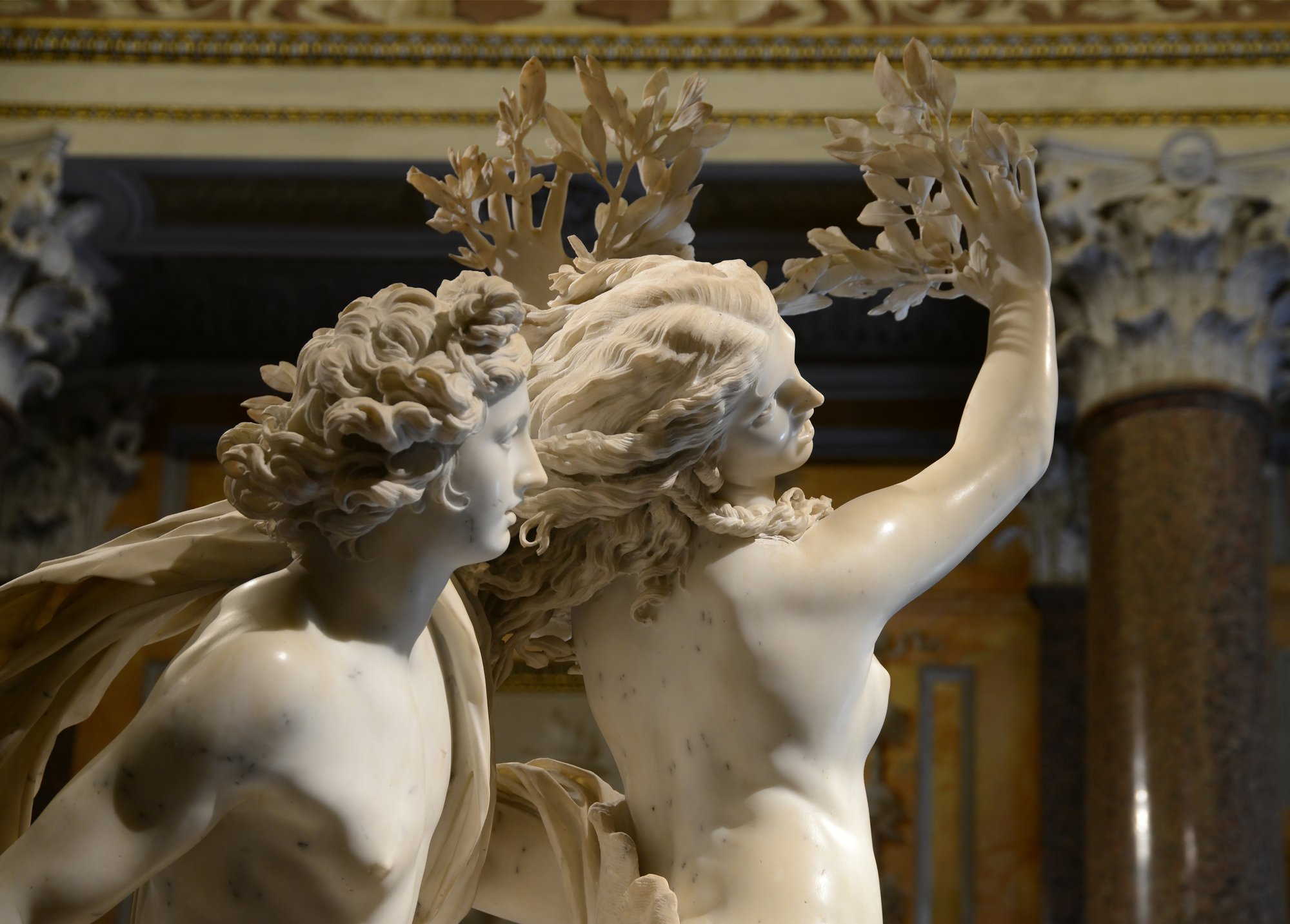
Yes. You can point your phone at a statue and have an app tell you what it is, who carved it and why it’s worth walking all the way around. Chiaro does this: one photo of a sculpture, and an audio guide starts playing in your headphones within seconds.
But sculpture is a harder problem for a camera than painting, and it’s worth knowing why, because it explains which apps hold up in a sculpture gallery and which give up.
Why statues are harder to recognize than paintings
A painting is flat. Photograph it from the front and you get roughly the same picture every time. A statue is a different object from every side.
It changes as you walk around it. Bernini’s Apollo and Daphne was made to be seen while walking around it. From one angle you see a god chasing a girl. From another you see the girl’s fingers turning into laurel leaves and her toes into roots. An app that only knows the “front” photo from the museum catalogue will miss half the views a visitor actually takes.
Light does strange things to marble. Gallery spotlights, a window behind the statue, a shadow across the face. White stone can blow out to a white shape in a phone photo, and bronze can go almost black.
There are copies everywhere. Michelangelo’s David in the Piazza della Signoria in Florence is a replica; the original has been in the Accademia since 1873. Many of the “Greek” statues in museums are Roman copies of lost Greek originals. Rodin’s Thinker was cast in bronze many times, and there are versions of it in museums on several continents, including the Musée Rodin in Paris. A good guide has to know which one you’re standing in front of, or at least tell you that there’s more than one.
Statues stand outside. On a church front, on top of a column, in the middle of a fountain, three storeys up on a palace roof. You’re photographing them from below, at an angle, against the sky.
And then there’s the explaining. Naming a statue is the easy part. What you actually want is the thing you’d never notice on your own.
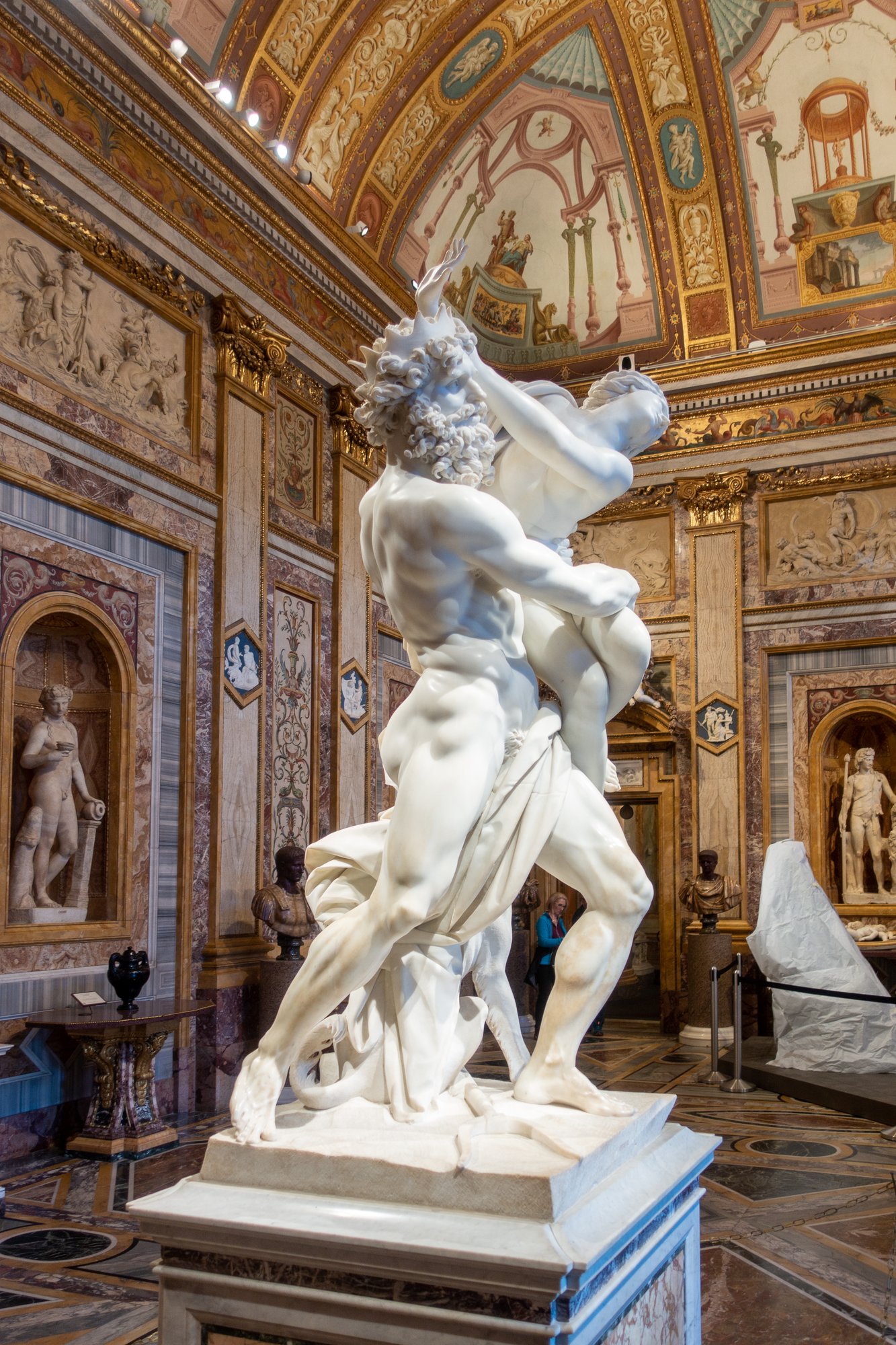
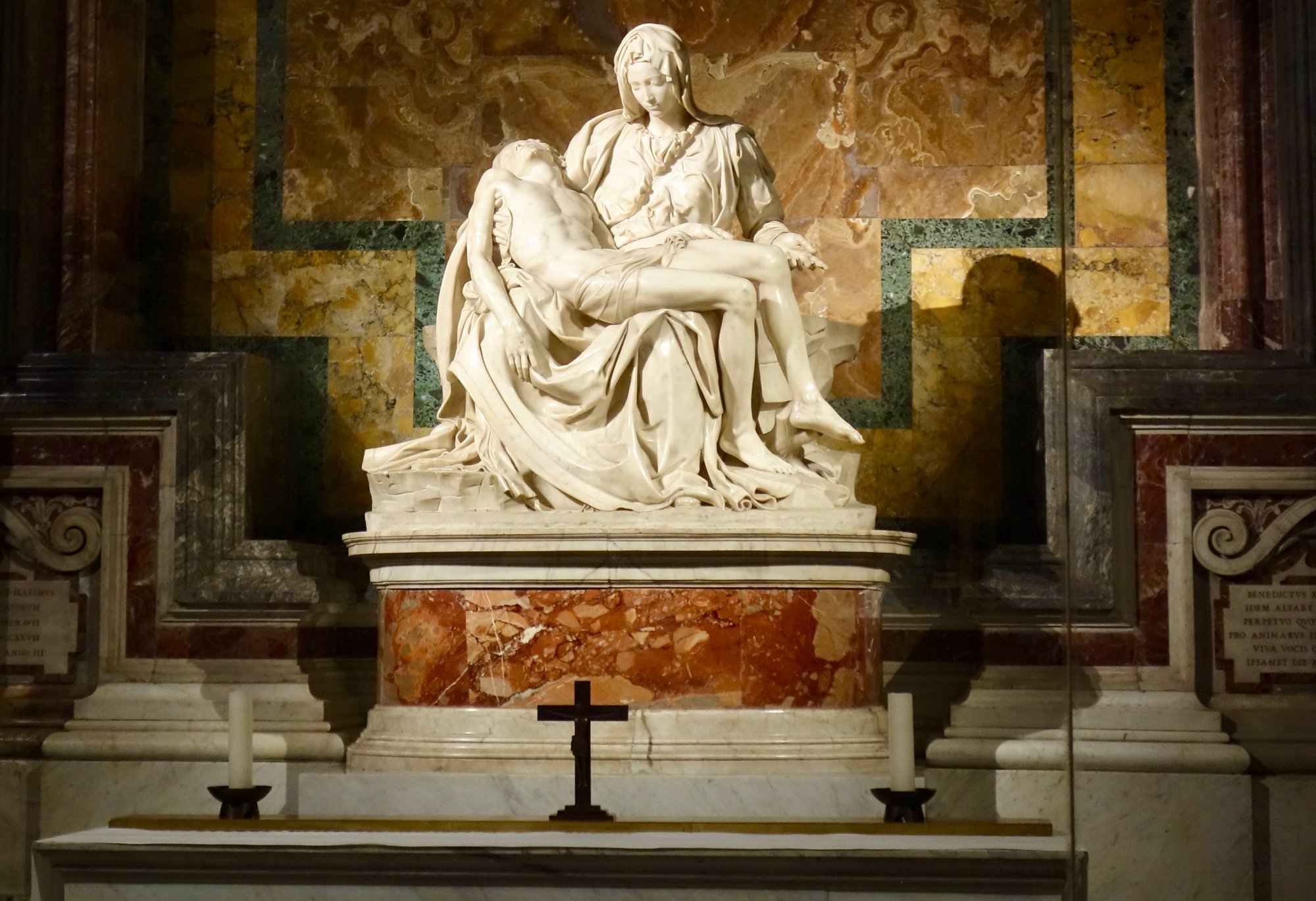
On Bernini’s Rape of Proserpina, it’s Pluto’s fingers sinking into her thigh, which make hard stone look like skin. We wrote about it in our Proserpina post. On Michelangelo’s Pietà in St Peter’s, it’s the strap across the Virgin’s chest, where a 24-year-old Michelangelo carved his name: the only work he ever signed. The Pietà post tells you why he did it.
Your options
General visual search. Google Lens and similar tools can match a famous statue and give you a page of web results. That gets you the name. Then you are reading on a small screen instead of walking around the statue.
Museum apps. Some museums have apps with excellent texts about their own collections. They only cover that one museum, and usually you have to find the object number or the right page yourself.
An audio guide that recognizes what you point it at. This is what Chiaro is.
How Chiaro recognizes a sculpture
One photo in, a story out
You take one photo, from whatever angle you happen to be standing at. Chiaro recognizes the work and starts talking: what it is, who made it and why it matters. Audio starts within seconds, so you can put the phone away and keep walking around the statue while you listen. Sculpture is the art form that most rewards this. You need your eyes and your feet free.
It works outside the museum too
Chiaro works almost anywhere you point it. A saint on a cathedral portal, a fountain in a piazza, an emperor on horseback in the middle of a square, the reliefs on a triumphal arch. If it has a story, Chiaro finds it, and there are no city packs to download first.
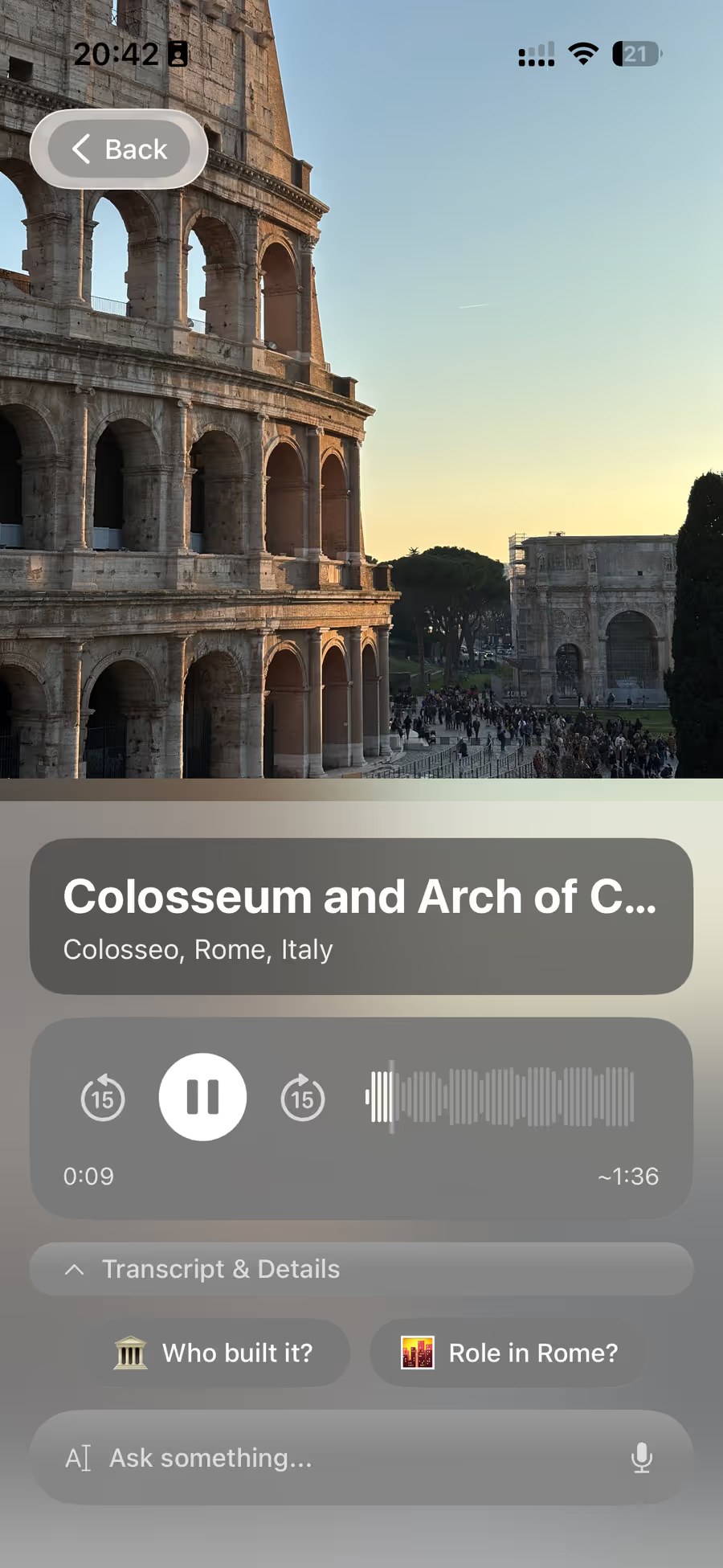
The Arch of Constantine next to the Colosseum is a good example. Much of its sculpture was taken from earlier monuments to emperors like Trajan, Hadrian and Marcus Aurelius and reused, with some of the heads recarved. You could stand in front of it for an hour and not guess that. One follow-up question gets you there.
A private art historian in your pocket
In a museum, Chiaro goes deeper: the composition, the symbols, the story behind the work, the detail on the far side you haven’t walked round to yet. Chiaro keeps track of what you’ve seen, so snap the same statue from another side, or on another visit, and it picks up where it left off instead of starting over.
Curious? Just ask
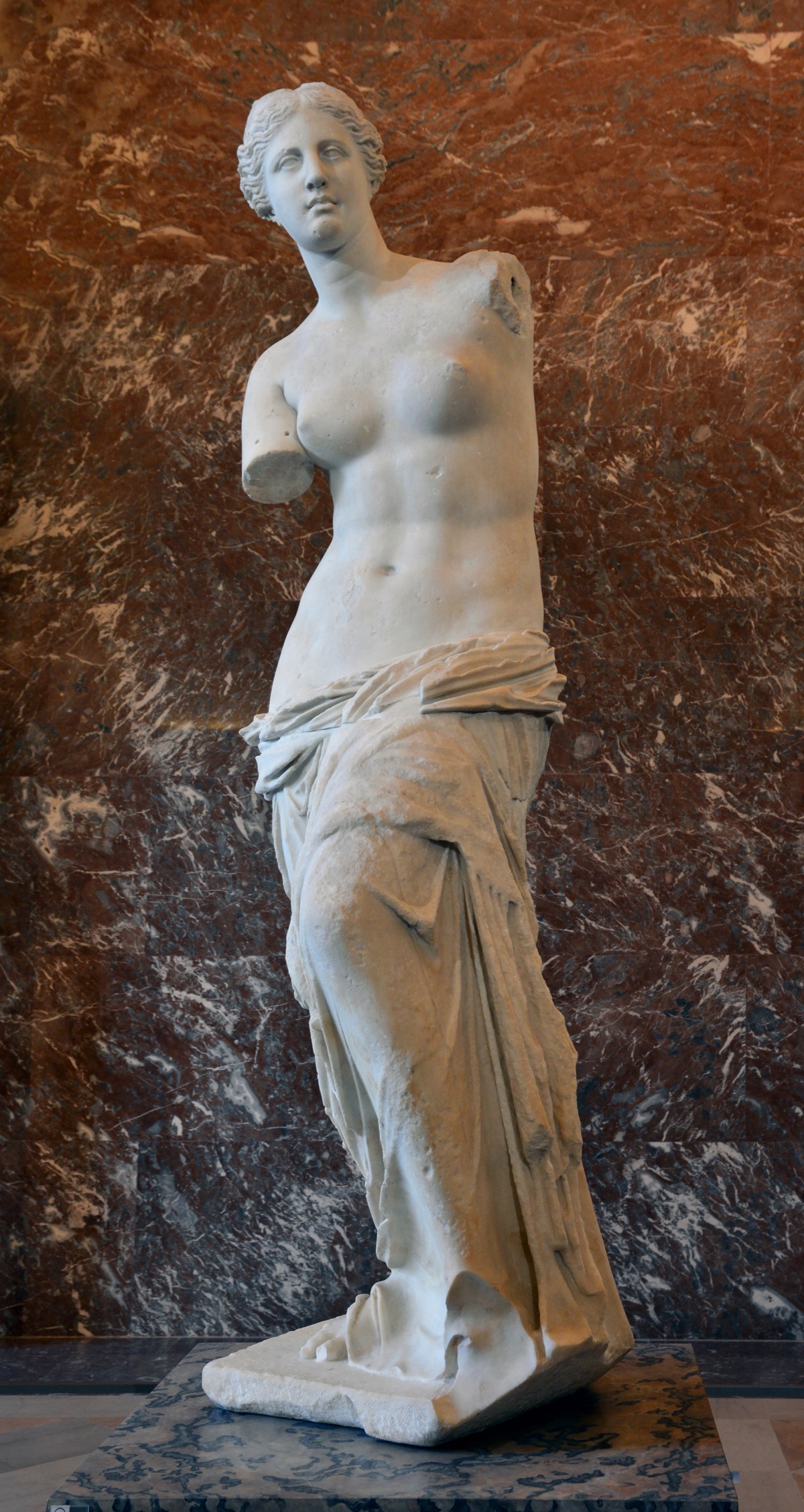
Follow-up buttons offer the next thread. Or type or say your own question, like “why are her arms missing?” in front of the Venus de Milo, and Chiaro answers out loud. When the answer depends on today, like whether a statue is out for restoration or the room is closed, it checks the web.
In your language
Chiaro speaks 18 languages, in a woman’s or a man’s voice, and lets you pick the accent for English, Spanish and Portuguese. Place names appear in your language and in the local one, side by side.
More than one statue
A sculpture gallery is the start of a day, not all of it. Chiaro now covers the rest:
- The Map shows Chiaro’s picks around you, each with one line on why it’s worth the walk. Every photo you take becomes a pin.
- Every evening, a Filo: Chiaro turns what you saw into a short story that connects the dots. Bernini’s statues in the morning and his fountain in the afternoon turn out to be one thread. Tap Go deeper on any of them.
- Plan tomorrow in one tap, with opening hours, the weather and a backup plan for rain.
- Your trips, remembered: a recap when you leave a city, and the whole trip, city by city, when you get home.
See how recognition works
The museum and landmark pages on the Chiaro website are a demo of what the app does after it recognizes a work: 80 places, five stops each, playing in your browser with no account. For sculpture, try the Louvre, the Musée Rodin, the British Museum or the Kunsthistorisches Museum in Vienna. In the app, any statue you point it at gets the same treatment.
FAQ
Is there an app that identifies statues from a photo?
Yes. Chiaro recognizes sculptures and statues from a photo and plays an audio guide about them, in 18 languages. General visual search tools like Google Lens can also match famous statues and return web results.
Does it work on outdoor statues and monuments?
Yes. Chiaro works on statues in squares, sculpture on church fronts, fountains and monuments, not only on works inside museums.
Does it matter what angle I take the photo from?
Take it from wherever you’re standing. Sculpture looks different from every side, and Chiaro is built for the photo a visitor actually takes, not only for the catalogue view.
Can it tell an original from a copy?
If you’re not sure, ask. In front of the David in Florence’s Piazza della Signoria, “is this the original?” is exactly the kind of follow-up question Chiaro answers out loud. (It isn’t: the original is in the Accademia.)
Walk around it
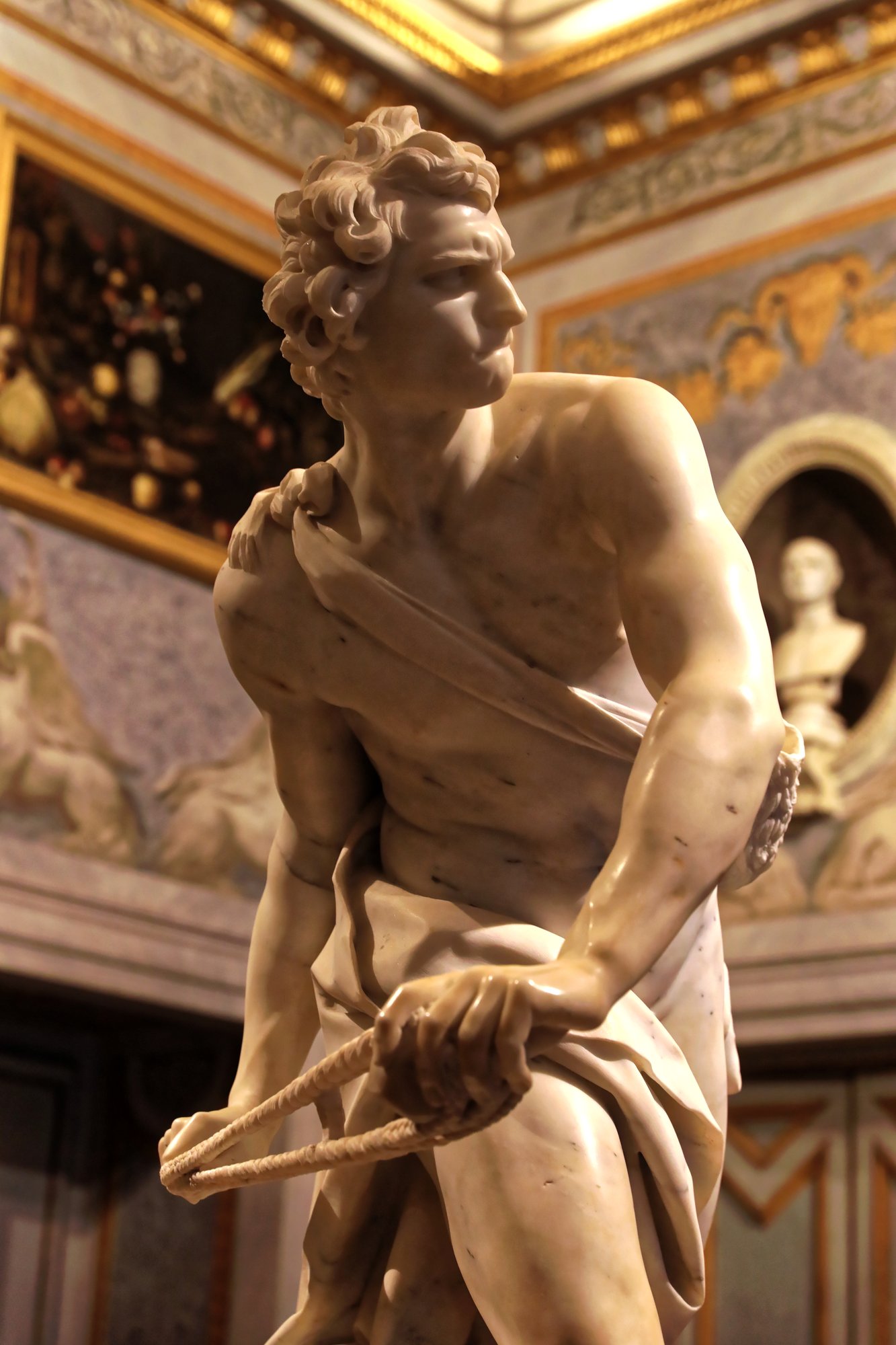
Statues are made to be walked around. The best thing an app can do is tell you the story while you do that, and point you to the detail on the side you haven’t reached yet: the bitten lip on Bernini’s David, the leaves on Daphne’s fingers, the name on the Virgin’s sash.
Chiaro means “clear” in Italian. Get it on the App Store, point it at the next statue you can’t place, and listen.
Snap. Listen. Explore.