You’re on the flight home, scrolling through the camera roll. Four hundred photos. A painted ceiling you tilted your head back to shoot. A statue in a square you can’t name. A golden painting you stood in front of for a while because everyone else was. A church door. Another church door. You took every one of them because something made you stop, and for most of them you never found out what it was.
Yes, there is an app for that. In Chiaro you can pick a photo you already took from your library, and it tells you what you were looking at, who made it and why it matters, out loud, the same way it would if you were still standing there.
Why the camera roll is full of mysteries
Travelling is mostly not having time. You’re in a crowded room, the group is moving on, the light is going, the museum closes in twenty minutes. Taking the photo is the fastest way to say “I’ll look this up later”.
Later rarely comes. The photo goes into a roll of hundreds, between the airport coffee and a menu, and the reason you took it fades. A month after you get home, you know you saw something beautiful in a side chapel in Rome. You don’t know what it was, who painted it, or why it was there.
Search engines don’t help much either. Typing “golden painting couple Vienna” will get you to the most famous answer, which may or may not be the one in your photo. And then you’re reading web pages about it on a small screen, not hearing the story.
How Chiaro does it
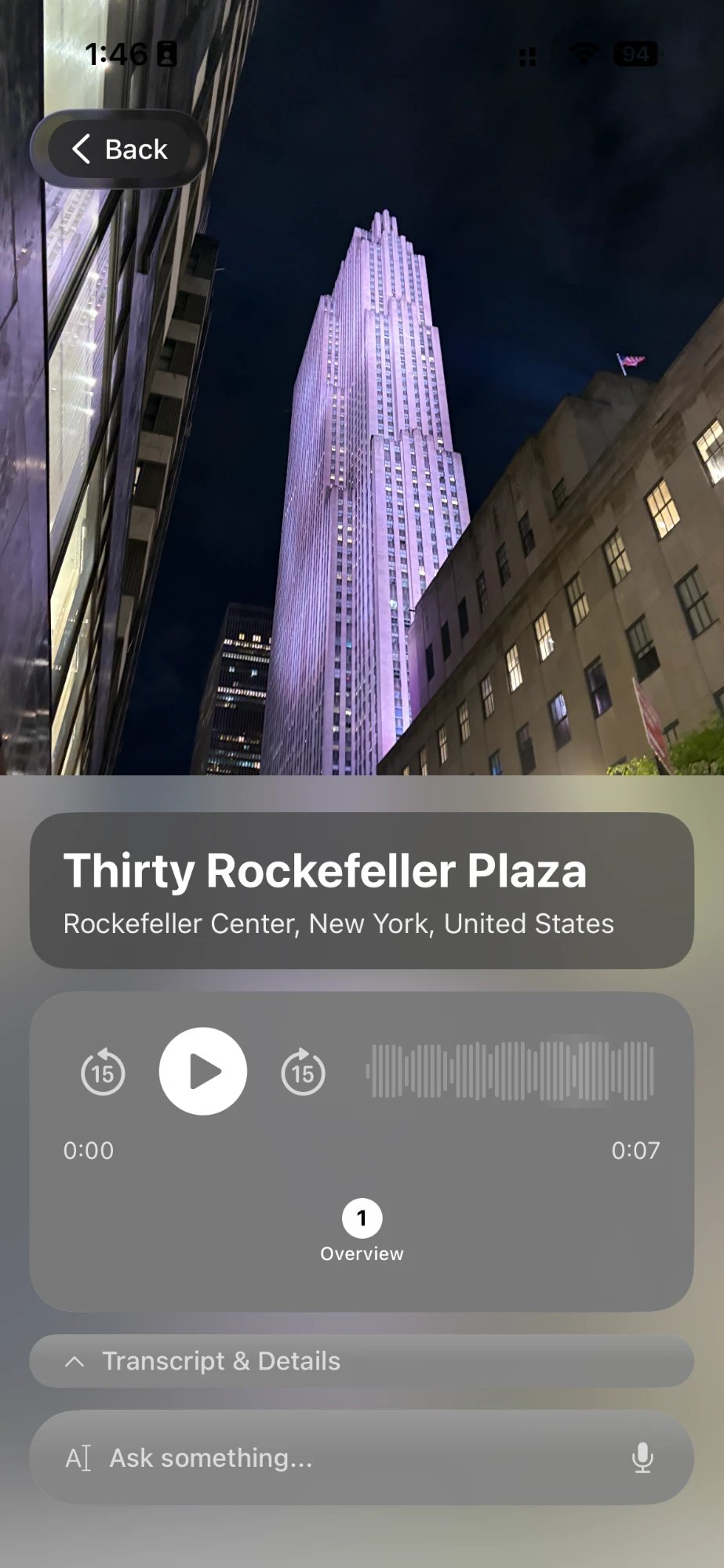
Pick a photo, hear the story
Chiaro is built around one photo. Usually that’s the one you take on the spot, but it doesn’t have to be. Open the app, pick a photo from your library, and Chiaro recognizes what’s in it: a painting, a sculpture, a fresco, a building, a bridge, a mural on a back street. Then it tells you the story in seconds.
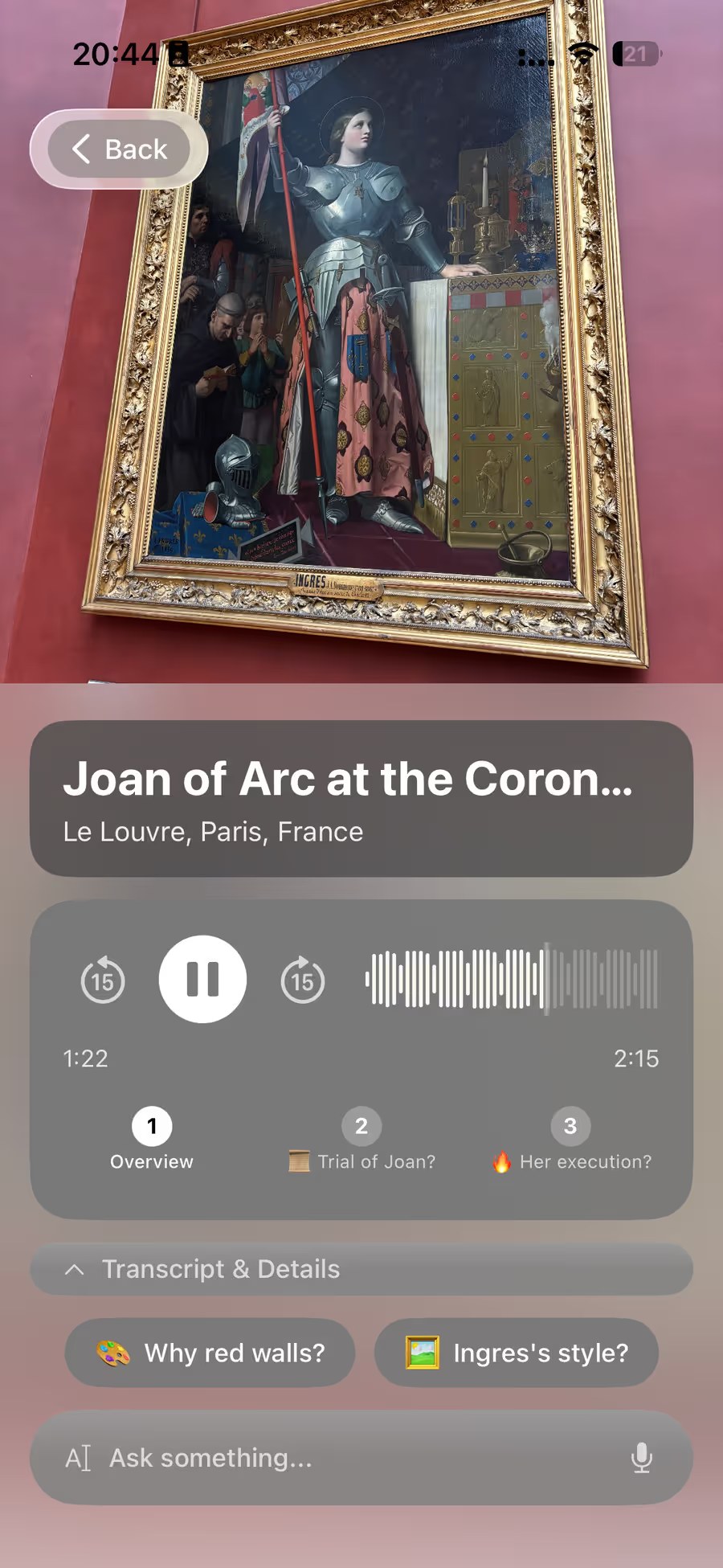
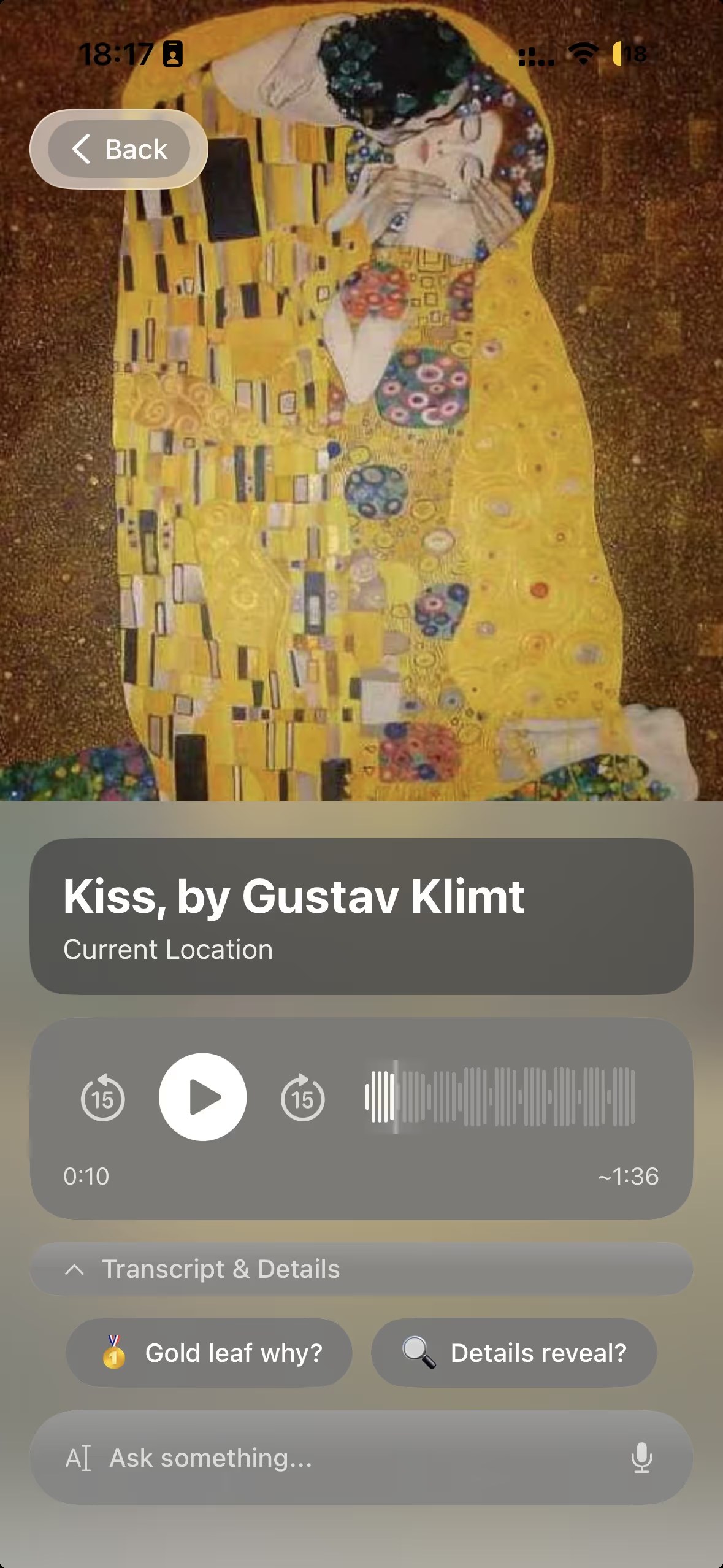
That painting you passed in the Louvre turns out to be Ingres’s Joan of Arc at the Coronation of Charles VII, and the guide comes in chapters you can tap through. The golden couple in Vienna is Klimt’s The Kiss, and the follow-up buttons ask exactly what you’d wonder: is that real gold?
Ask what you actually want to know
The first guide is where the conversation starts. Follow-up buttons suggest the next thread. Or type or say your own question, like “why is she wearing armour in a cathedral?” or “can I see this again if I go back?”. Chiaro answers out loud, and when the answer depends on today, like whether a painting is on loan or a building is open, it checks the web.
It works at any length you like. Quick answers to quick questions, real depth when you want it. If you just want the simple version, say so and every guide after that fits.
It works on more than art
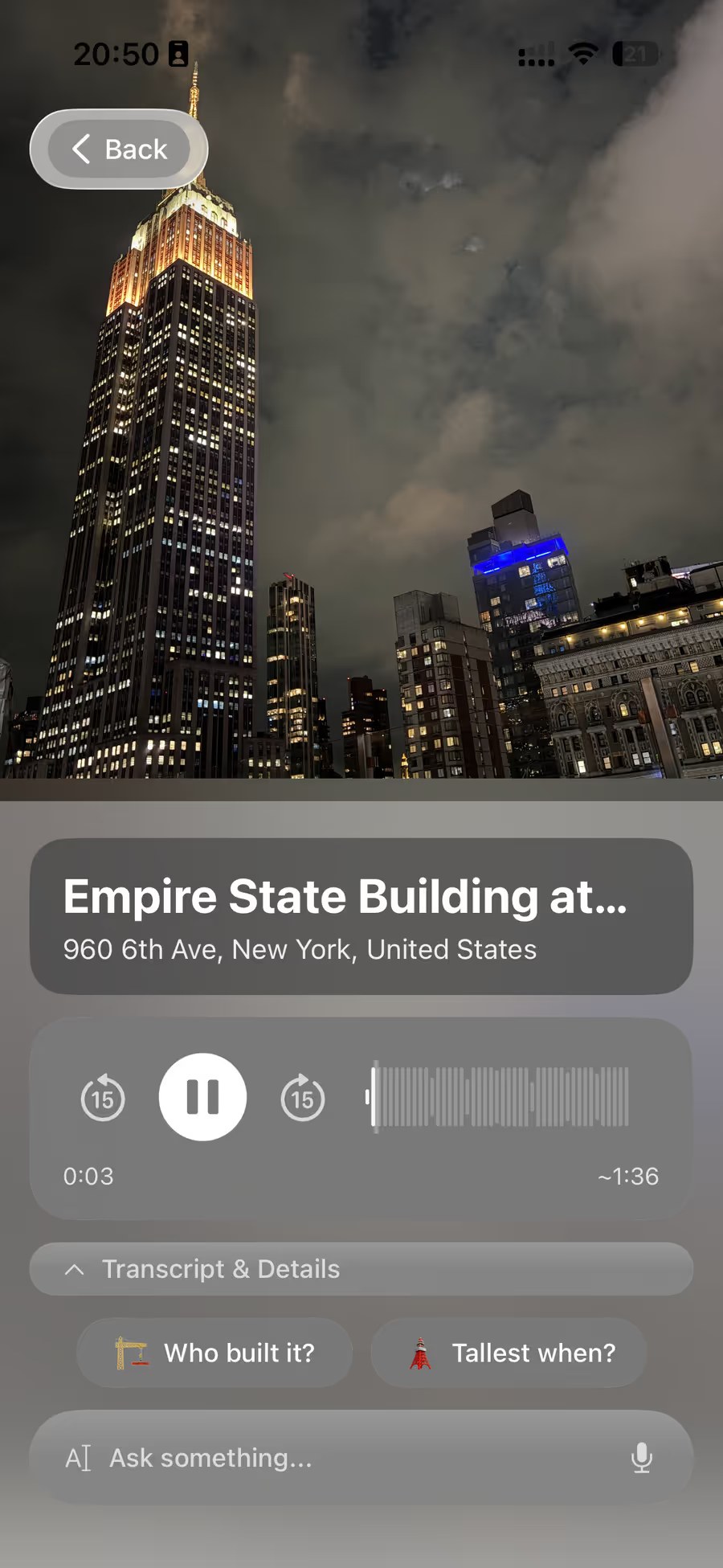
Photos from a trip aren’t all paintings. Towers, bridges, palaces, a skyline at night: if it has a story, Chiaro finds it. There are no city packs to download, so it doesn’t matter where the photo was taken.
In your language
Chiaro speaks 18 languages, in a woman’s or a man’s voice, with a choice of accent for English, Spanish and Portuguese. Place names appear in your language and the local one, side by side, which helps when the photo was taken somewhere you couldn’t read the signs.
Do it during the trip, not a month later
Going through the camera roll on the flight home works. Going through it the same evening works better, because you can still go back.
Pick the three photos from today you’re most curious about while you’re having dinner. If one of them turns out to be something special, like the only signed work of a famous sculptor or a ceiling you only saw half of, you still have tomorrow to return. Chiaro can help there too: pick a place or tap Surprise me and you get a plan for tomorrow, with opening hours, the weather and a backup plan for rain.
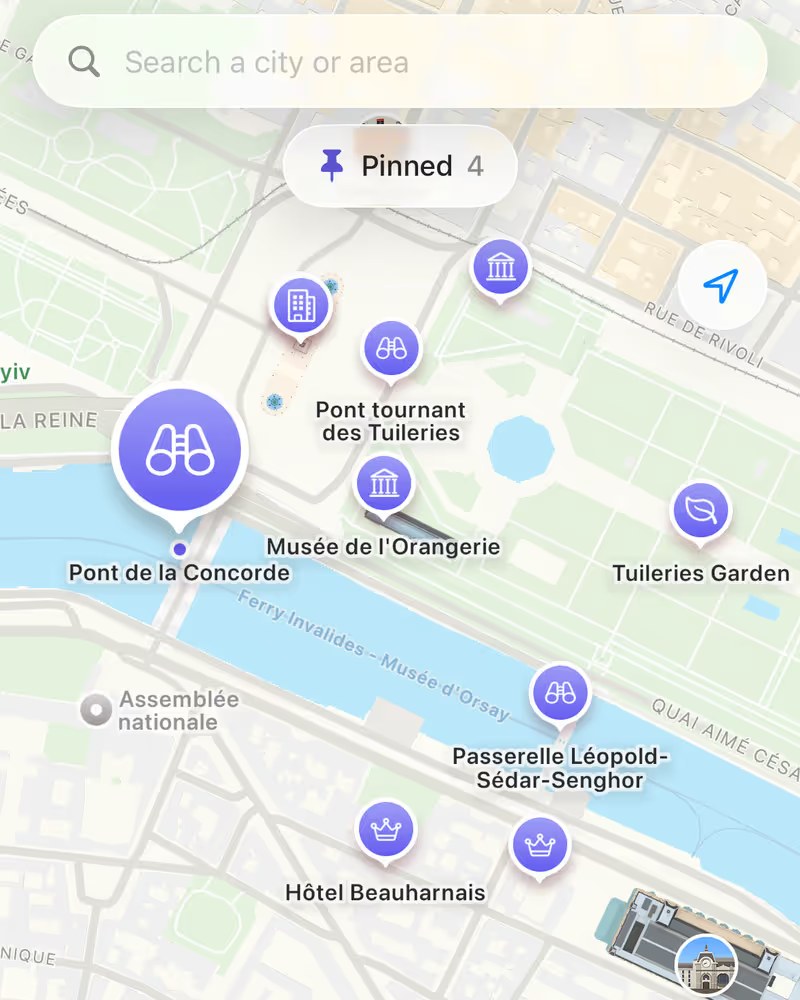
The Map shows Chiaro’s picks around you, each with one line on why it’s worth the walk, and every photo you take becomes a pin. Pin anything you want to find again, from the map, a chat or a Filo, and it’s one tap away.
From photos to a story
Single photos are one thing. Chiaro also connects them. Every evening it turns what you saw into a Filo, a short story of your day that connects the dots between things you didn’t know were related. Tap Go deeper on any thread.
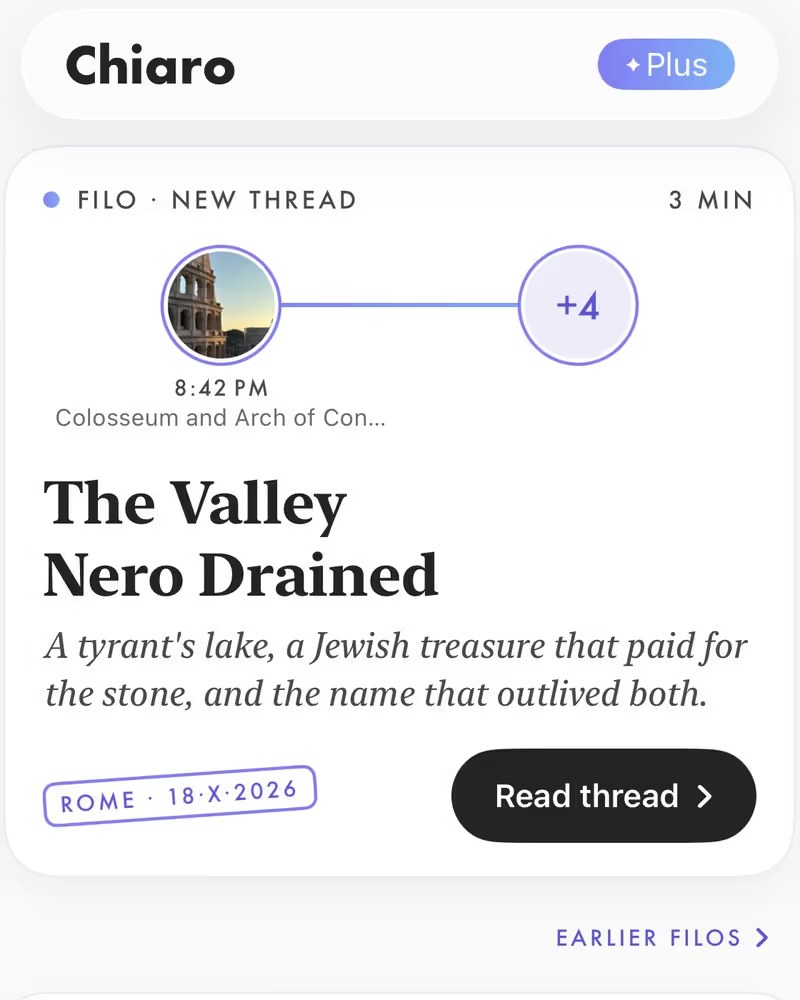
When you leave a city, Chiaro sends a recap of your days there, and when you get home, the whole trip, city by city. We wrote about that side of it in the travel journal that writes itself. If your mystery photos are older, from a trip years ago or a print in a shoebox, that’s a slightly different problem, and we went through it in how to identify a landmark from an old vacation photo.
See how recognition works
If you want to hear what Chiaro does before you install it, the museum and landmark pages on the Chiaro website are a demo of it: 80 places, five stops each, the kind of guide the app builds from a single photo. They play in your browser with no account. Try the Belvedere, home of The Kiss, the Louvre or the Empire State Building. The app itself isn’t limited to those 80 places: it works on whatever is in your photo.
FAQ
Can Chiaro tell me about a photo I already took?
Yes. Pick a photo from your library and Chiaro recognizes what’s in it and plays the guide, just as it does with a photo taken on the spot.
What kinds of photos does it work on?
Paintings, sculptures, frescoes, buildings, bridges, monuments and street art. If it has a story, Chiaro finds it.
Can I ask questions about the photo?
Yes. Type or say any question and Chiaro answers out loud, checking the web when the answer is about today.
Does it work in my language?
Chiaro speaks 18 languages, with a choice of voice, and shows place names in your language and the local one.
Finally find out
Every photo in your camera roll is a small note to self: this mattered, find out why. Chiaro is the way to finally read those notes, ideally while you can still go back for a second look.
Chiaro means “clear” in Italian. Get it on the App Store, pick the photo you’ve always wondered about, and listen.
Snap. Listen. Explore.