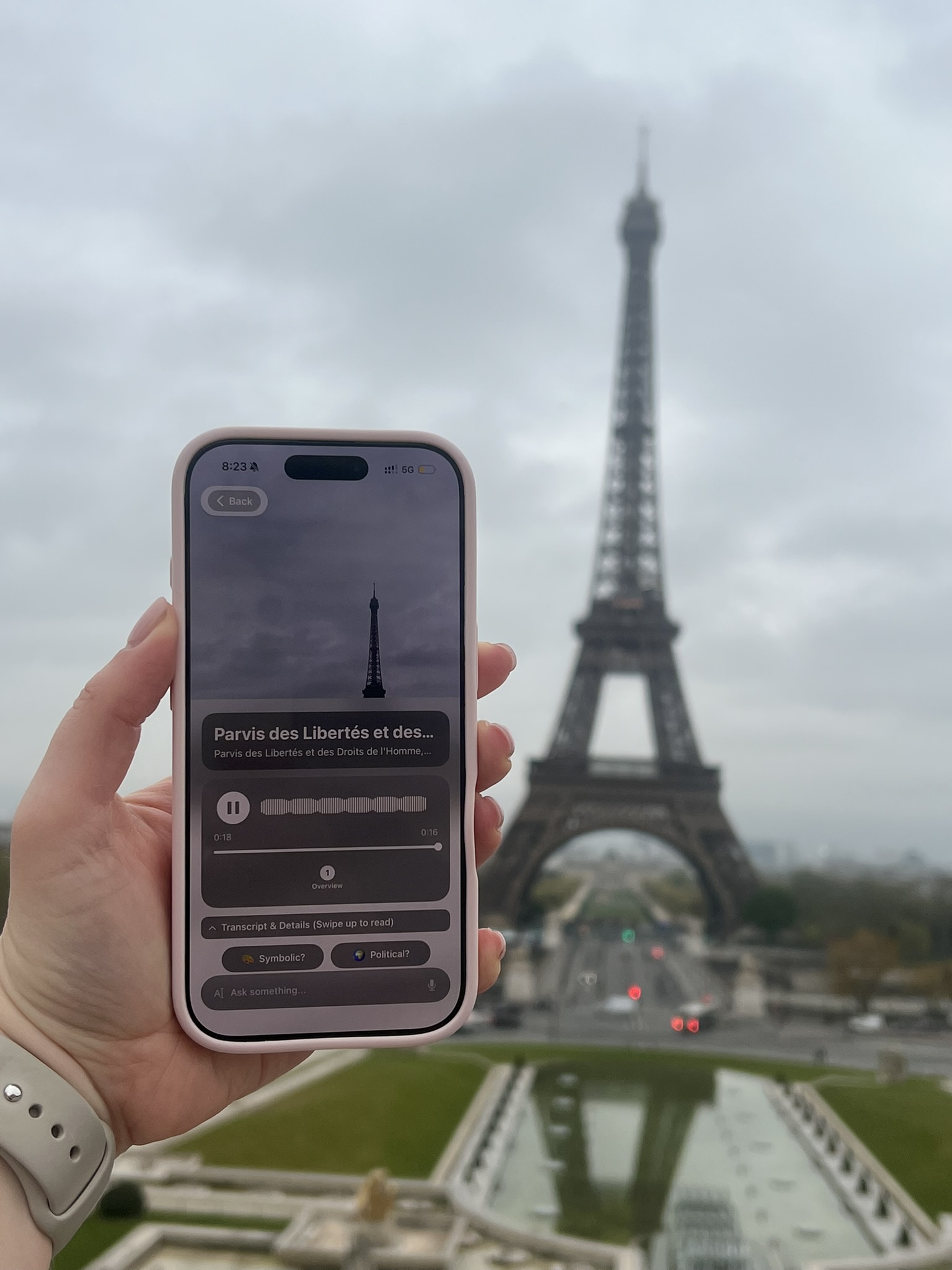
You turn a corner and there it is: a church front covered in carved saints, a palace with a flag on the roof, a tower that is clearly famous for something. Nobody around you is going to tell you what it is. The guidebook is in the hotel. You want to know now, while you’re standing in front of it.
There are three ways to find out, from slowest to fastest: read the building, ask a map, or point your phone at it. The last one is the only one that also tells you why it matters.
The quick answer
- Point your camera at it. An app that recognizes landmarks from a photo, like Chiaro, will tell you what the building is and play its story in a few seconds. This is the fastest way, and it works when you don’t know the street name or can’t see a sign.
- Check a map. Open your maps app, find the blue dot, and look at what’s labelled next to it. This works well for big, named landmarks and badly for the anonymous-looking building that turns out to be the interesting one.
- Read the building. Plaques, dates and inscriptions are often right there on the facade, if you know where to look.
Read the building first

Buildings are more talkative than they look. Before you reach for the phone, give the facade thirty seconds.
Look for a plaque. Many cities mark important buildings with a sign by the door: a blue disc in London, a paddle-shaped “Histoire de Paris” panel on the pavement in Paris, a marble tablet in Rome. They usually give the name, a date and a line of history.
Look for a date. Builders liked to carve the year into the stone, above the door, on a keystone, or along the top of the front. A date tells you roughly which century you’re in, which narrows the possibilities a lot.
Look for a word. Latin inscriptions across the front of a building are often a dedication. The Pantheon in Rome still carries the name of Marcus Agrippa in bronze letters, even though the building you see was rebuilt by Hadrian more than a century later. We told that story in who built the Pantheon.
Look at the shape. Twin towers and a big round window over three doors usually means a Gothic cathedral. A row of columns with a triangle on top is classical, or imitating classical. A dome on a drum is Renaissance or later. You won’t get the name this way, but you will know what kind of building you’re in front of, which is half the story.

Ask a map
If you know roughly where you are, a maps app will usually name the big landmarks around you. Tap the blue dot, look at the labels nearby, and tap one to get opening hours and photos you can compare with what’s in front of you.
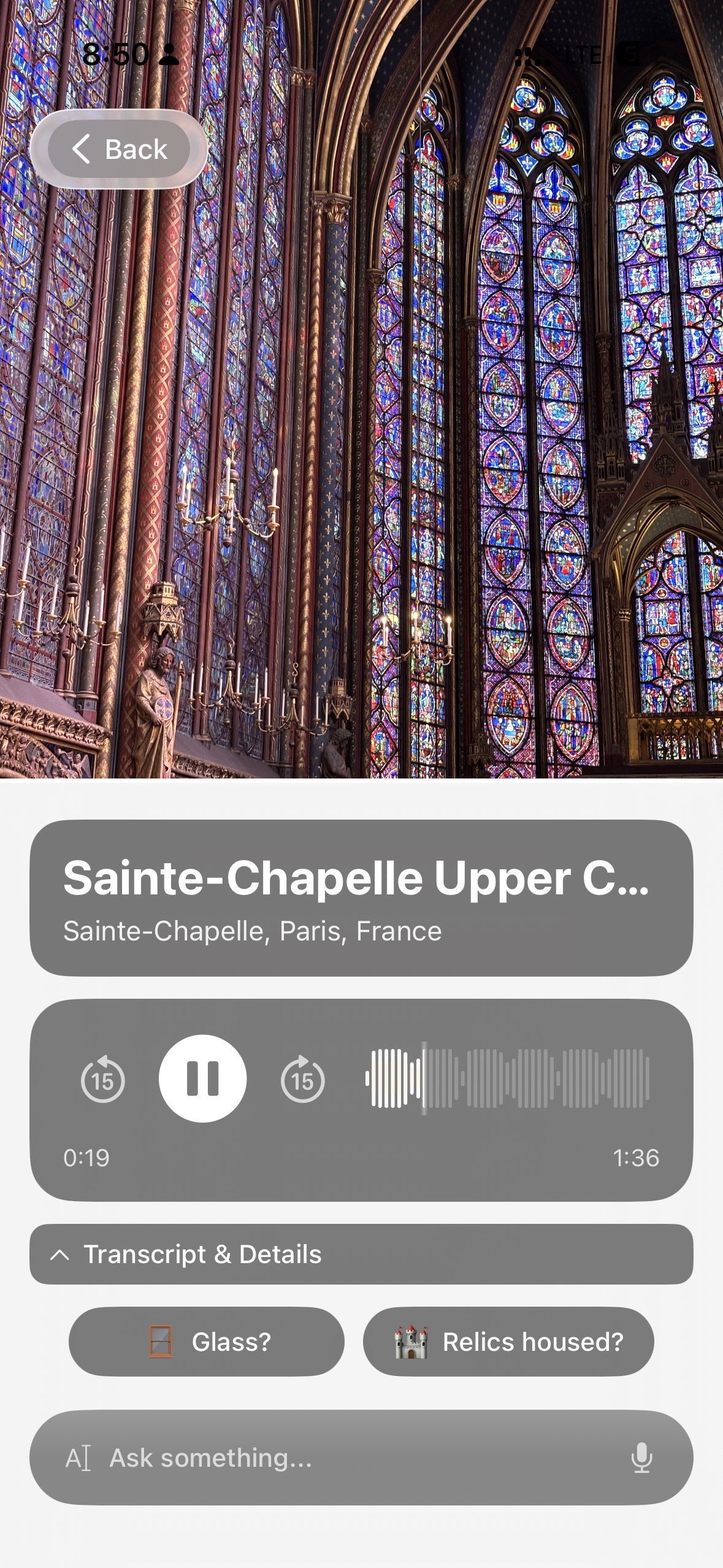
Maps have two blind spots. First, they show you what is near you, not what you are looking at. In an old city center you can be within a hundred metres of six churches. Second, a pin gives you a name and opening hours, not a story. Knowing that the building in front of you is called Sainte-Chapelle doesn’t tell you it was built in the 1240s by Louis IX as a reliquary for what he believed was Christ’s crown of thorns, or that the upper chapel is almost entirely made of stained glass.
Point your phone at it
Visual search tools such as Google Lens can match a photo of a famous building and give you search results. That gets you the name. Then you’re reading web pages on a small screen while standing on a pavement, which is exactly the moment you’d rather be looking up.
This is the problem Chiaro was built for.
How Chiaro does it
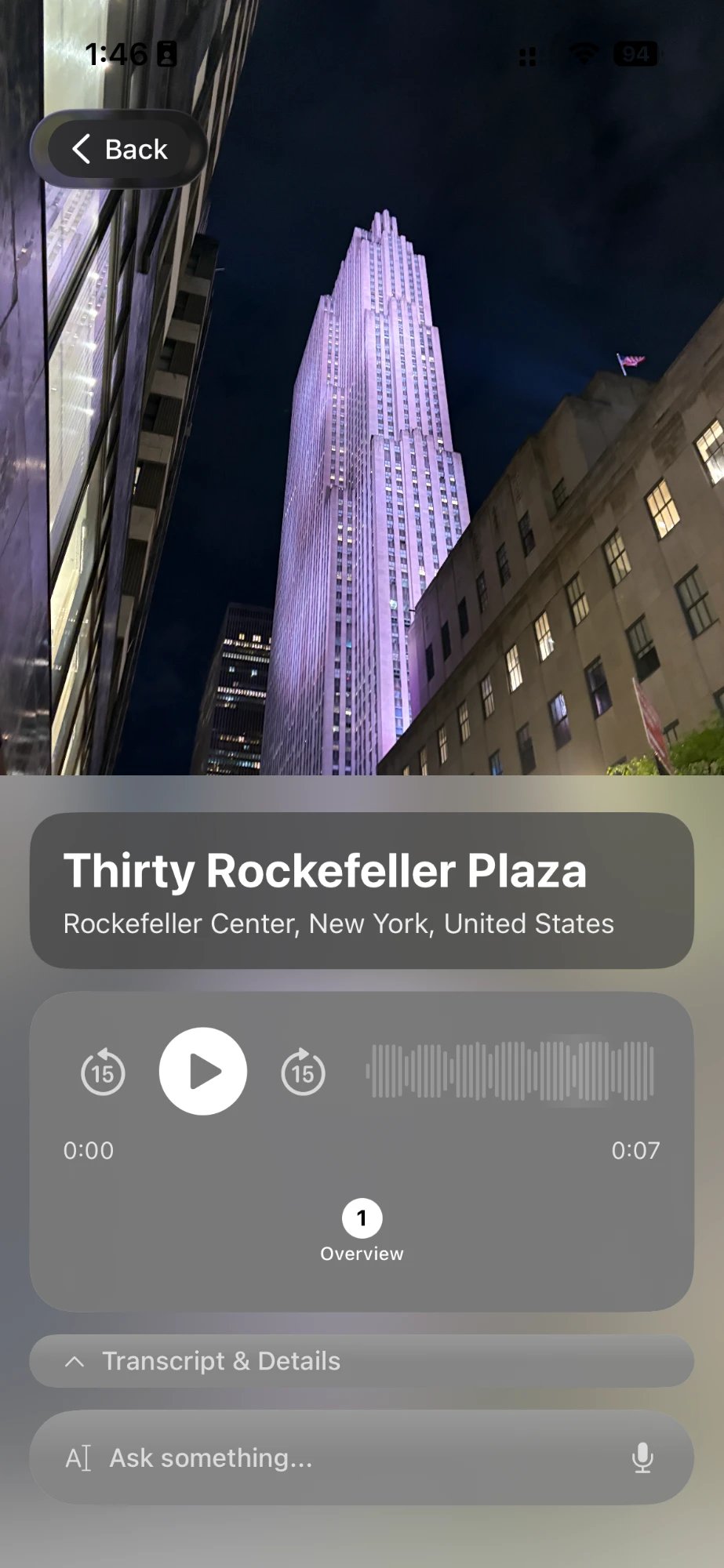
You take a photo of the building. Chiaro recognizes it and starts talking: what it is, who built it, and why it matters. Audio starts within seconds, so your eyes stay on the view, not on the screen.
It works on more than the famous ones. Towers, bridges, churches, a gate, a mural on a back street: if it has a story, Chiaro finds it. There are no city packs to download first. Chiaro recognizes what you point it at, wherever you are.
Then ask whatever you want
The first guide is where the conversation starts. Follow-up buttons suggest the next thread: why it was built here, who paid for it, what happened in the city that year. Or type or say your own question. Chiaro answers out loud, and when the answer depends on today (is it open, is there a service on, how long is the queue usually) it checks the web and brings back the current answer.
Names in both languages
Chiaro shows place names in your language and the local one, side by side, so the name in your headphones matches the name on the street sign and the metro map. The guide itself speaks 18 languages, in a woman’s or a man’s voice. For English, Spanish and Portuguese you can pick the accent too.
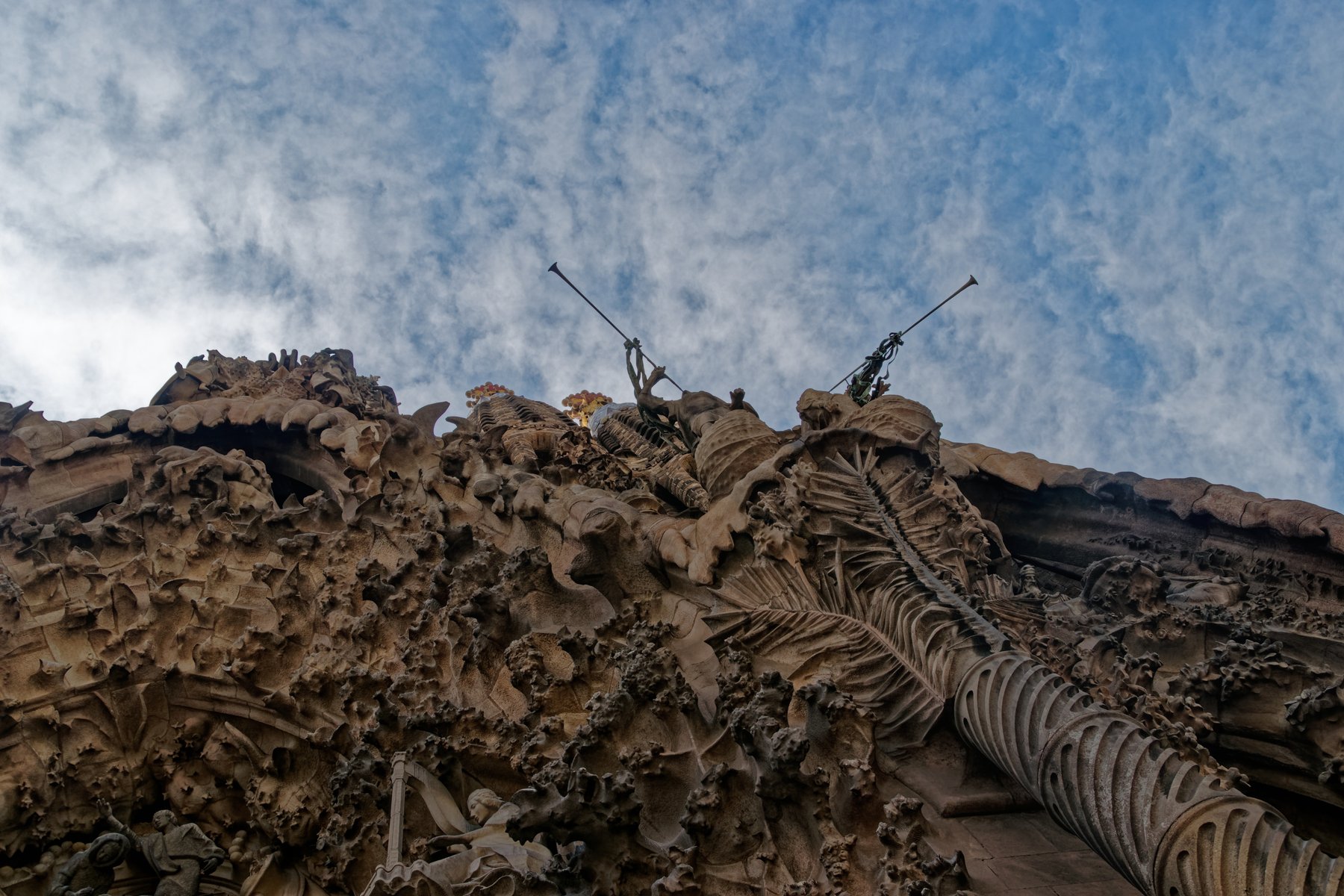
Some buildings need more than one guide. Point Chiaro at the Sagrada Família and it can tell you that this facade is the one Gaudí lived to see built. Point it at the opposite side and you hear about a completely different sculptor and a completely different idea of the same story. Our Sagrada Família post goes through both.
Finding buildings you haven’t seen yet
Recognizing the building in front of you is one part of exploring a city. Chiaro now helps with the rest of the day too:
- The Map shows Chiaro’s picks around you, each with one line on why it’s worth the walk. Every photo you take becomes a pin, so you can see where you’ve been.
- Every evening, Chiaro turns what you saw into a short story of your day that connects the dots between buildings you might not have known were related. Tap Go deeper on any thread.
- For tomorrow, pick a place or tap Surprise me and get a plan for the day with opening hours, the weather and a backup plan for rain.
- After the trip, Chiaro sends a recap when you leave a city, and the whole trip, city by city, when you get home.
See how recognition works
The landmark pages on the Chiaro website are a demo of what the app does once it recognizes a building: five stops at each place, the kind of guide Chiaro builds from your photo, playing in your browser with no account. Try the Eiffel Tower, Notre-Dame, Sainte-Chapelle, Hagia Sophia, Tower Bridge or the Brooklyn Bridge. In the app, you’re not limited to the demo list: the building in front of you is enough.
FAQ
Is there an app that identifies buildings from a photo?
Yes. Chiaro recognizes buildings and landmarks from a photo and plays an audio guide about them. General visual search tools like Google Lens can also match famous buildings and return search results.
Can I find out what a building is without an app?
Often, yes. Look for a plaque by the door, a date or an inscription on the facade, and check the labels near your location in a maps app. That gets you the name. It rarely gets you the story.
Does it work on ordinary buildings, not just famous landmarks?
Chiaro works almost anywhere you point it, including bridges, side-street churches and murals. If a building has a story, Chiaro finds it.
Do I need to download a city guide first?
No. There are no city packs. Chiaro recognizes what you point it at wherever you are.
Look up
The best way to see a city is with your head up. The point of knowing what a building is isn’t to collect the name, it’s to know where to look next: the date over the door, the saint who’s missing from the portal, the window that was bricked up for a reason. Chiaro means “clear” in Italian. Get it on the App Store, point it at the next building you can’t place, and listen.
Snap. Listen. Explore.