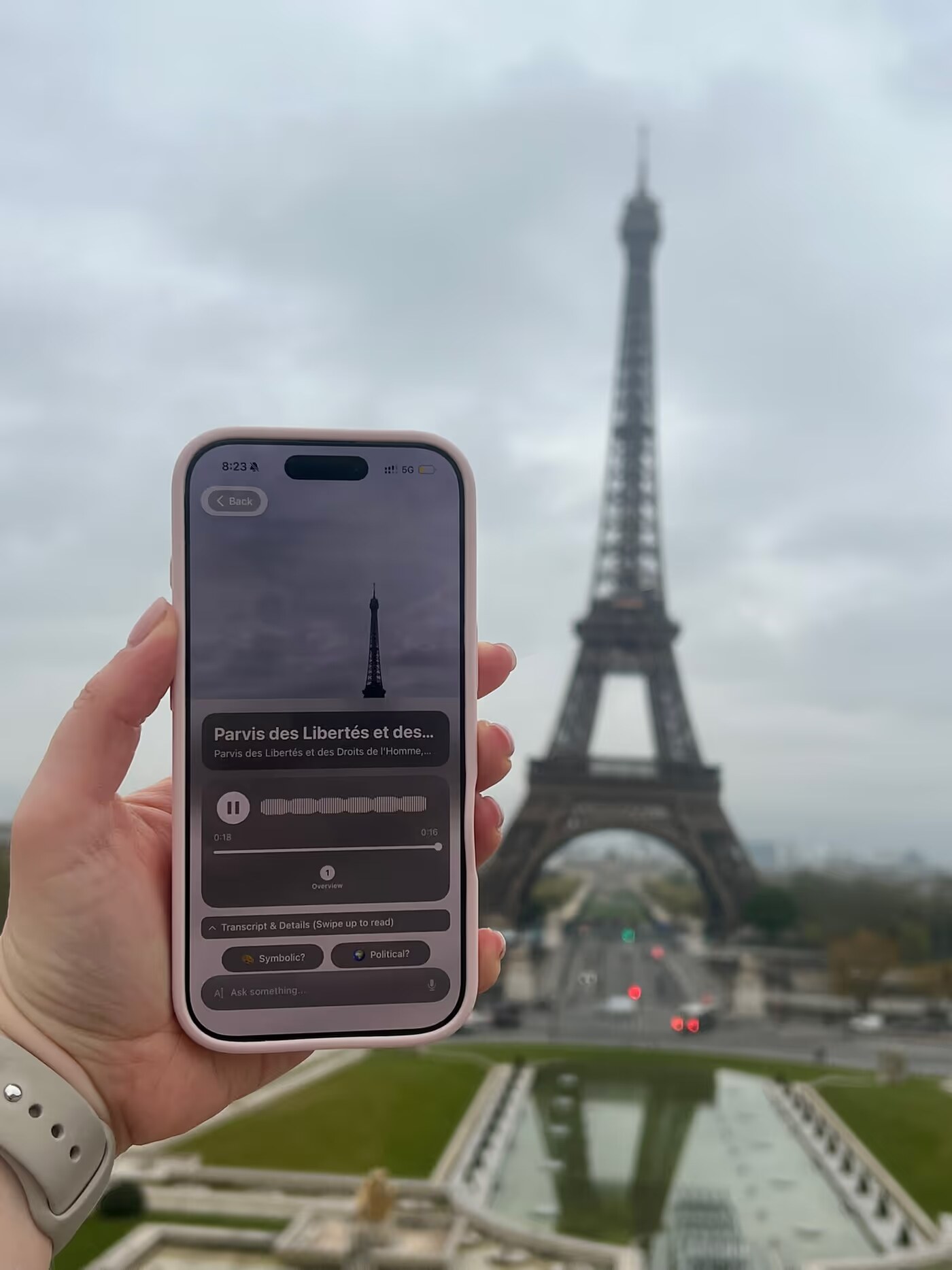
Watch anyone travel for an hour and you will see the same three apps, over and over. A map, to work out where they are and where to go next. The camera, to catch the thing in front of them. And then something to read, a browser, a travel guide, a search box, to find out what the thing in front of them actually was. Map, camera, search. Back to the map. The phone goes up and down a hundred times a day, and every time it comes down, the city is a little further away.
Chiaro 2.0 joined the camera and the guide: you point at something and listen. Chiaro 2.5 adds the map, and with it everything you need for a day of travel lives in one place. You see what is worth walking to, you snap it when you get there, you hear its story, and in the evening you get the story of your whole day.
A map that suggests, not a route
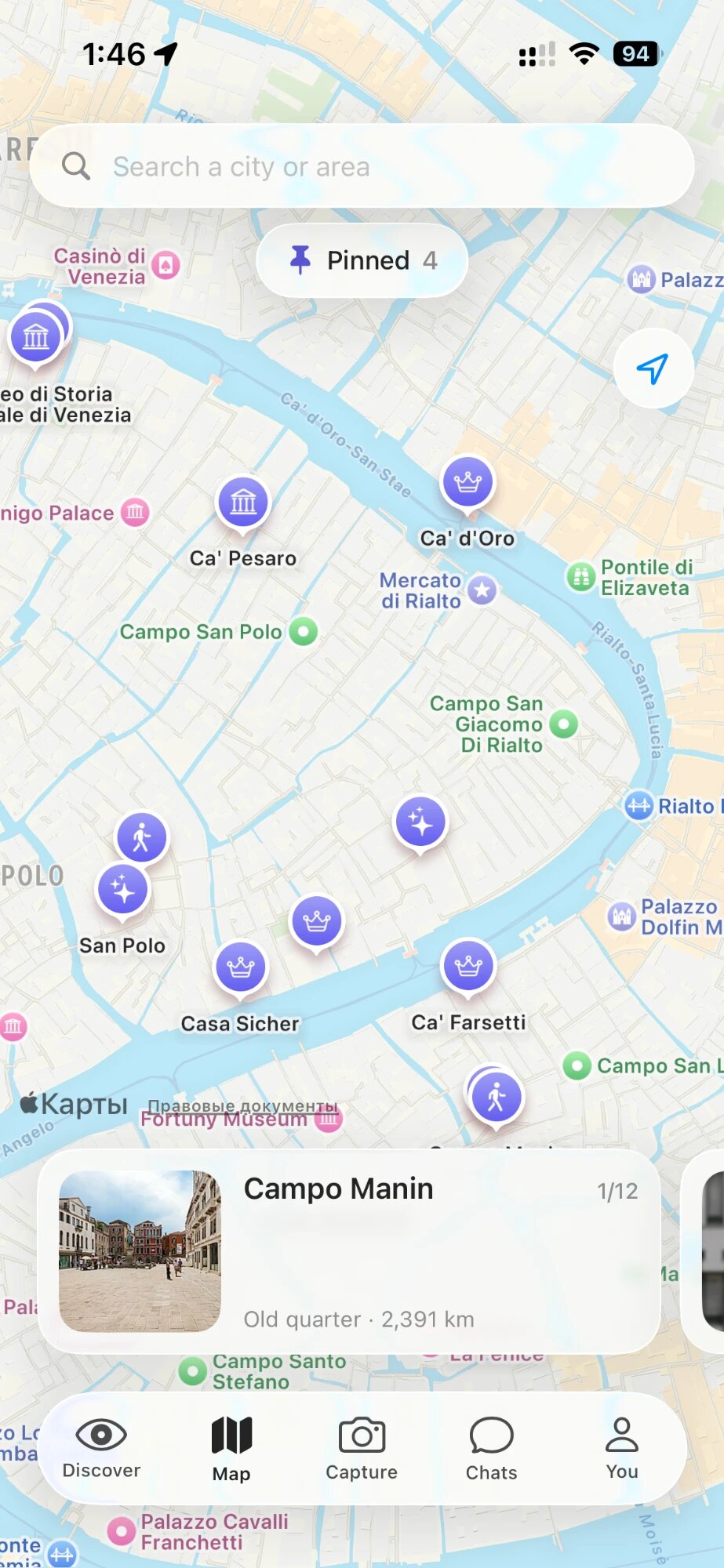
Most travel maps want to give you a route. Ten stops, in order, with a line drawn between them, and a quiet sense that you are behind schedule from the moment you start.
The new Map in Chiaro does something simpler. It shows you what is worth seeing around you, right now, as purple pins. Each one comes with a photo, how long it takes to walk there, and one line on why it is worth the walk. A bridge with a view no one tells you about. A small museum two streets away. A square where the city’s history is easy to read.
Then it gets out of your way. There is no route to follow and no order to keep. You look at what is near, you choose where to go next, and you choose what to listen to when you get there. If something catches your eye on the way, you stop. If a pin does not interest you, you skip it. You are in control of your own trip, and the map is there to make that choice an informed one.
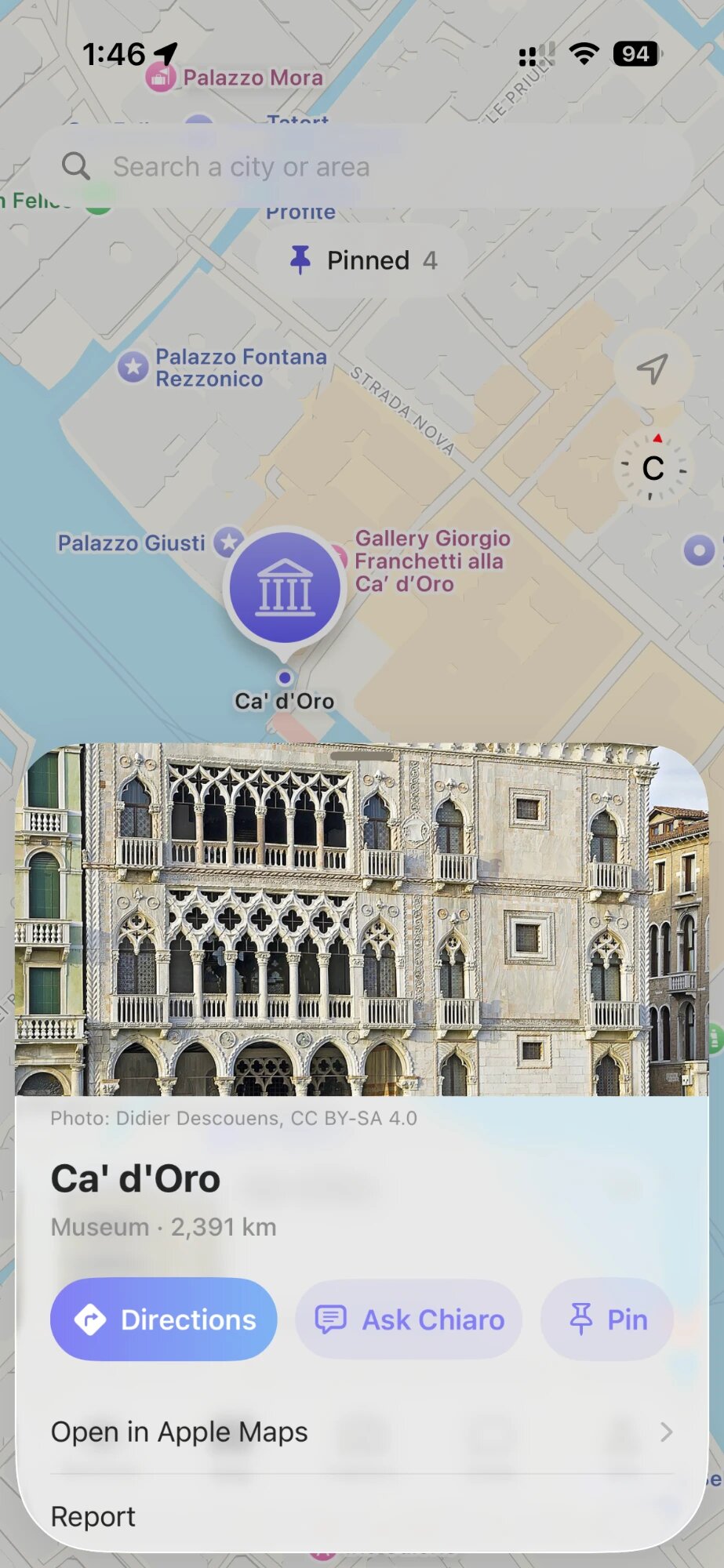
When you have picked a place, the card gives you directions, opens it in Apple Maps if you prefer, or lets you ask Chiaro about it before you go. And you can search any city, so you can look around Rome while you are still in Paris.
Every photo becomes a pin
Every time you snap something with Chiaro, it lands on the map where you took it. Tap the photo pin and the guide opens again, right where you left it. By the end of a day your map is a trail of everything you stopped for.
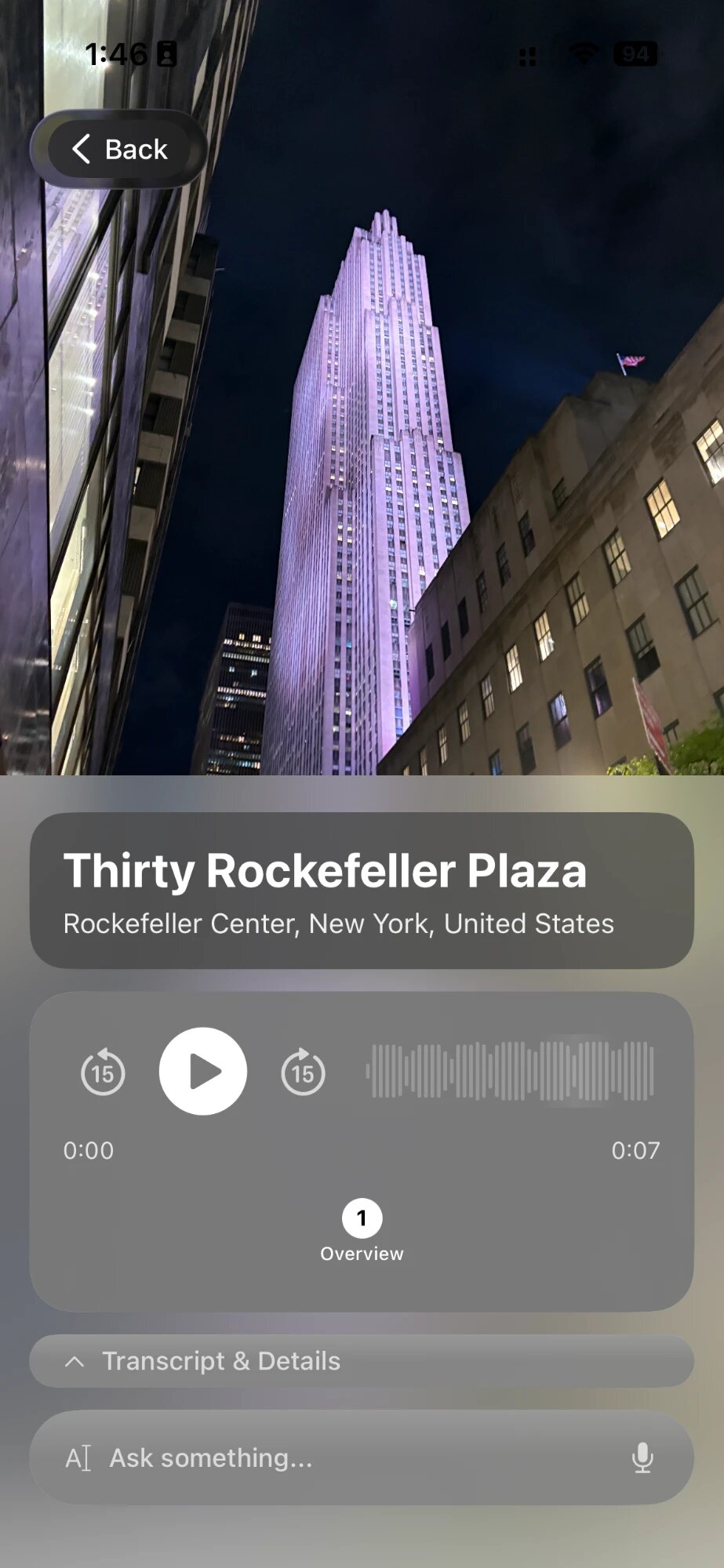
You can also pin anything you want to come back to, from the map, from a chat, or from the evening story of your day. Your pins wait for you at the top of the map, one tap away.
Recognition that checks its own work
Most apps that recognize things from a photo make one guess and hand it to you. If the guess is wrong, you hear a confident story about the wrong painting.
Chiaro works more like a careful expert. It looks at the photo, forms an idea of what it might be, and then checks it. It looks again at the details: a signature in the corner, an inscription on a pedestal, the shape of a window, where you are standing when you take the photo. If something does not fit, it goes back and looks again. It keeps going round that loop until it is sure, and only then does it start to talk.
That loop is why Chiaro is the most accurate app for recognizing artworks, landmarks, buildings and sculptures. It is the difference between “a Renaissance portrait” and the exact painting, in the exact room, by the exact hand.
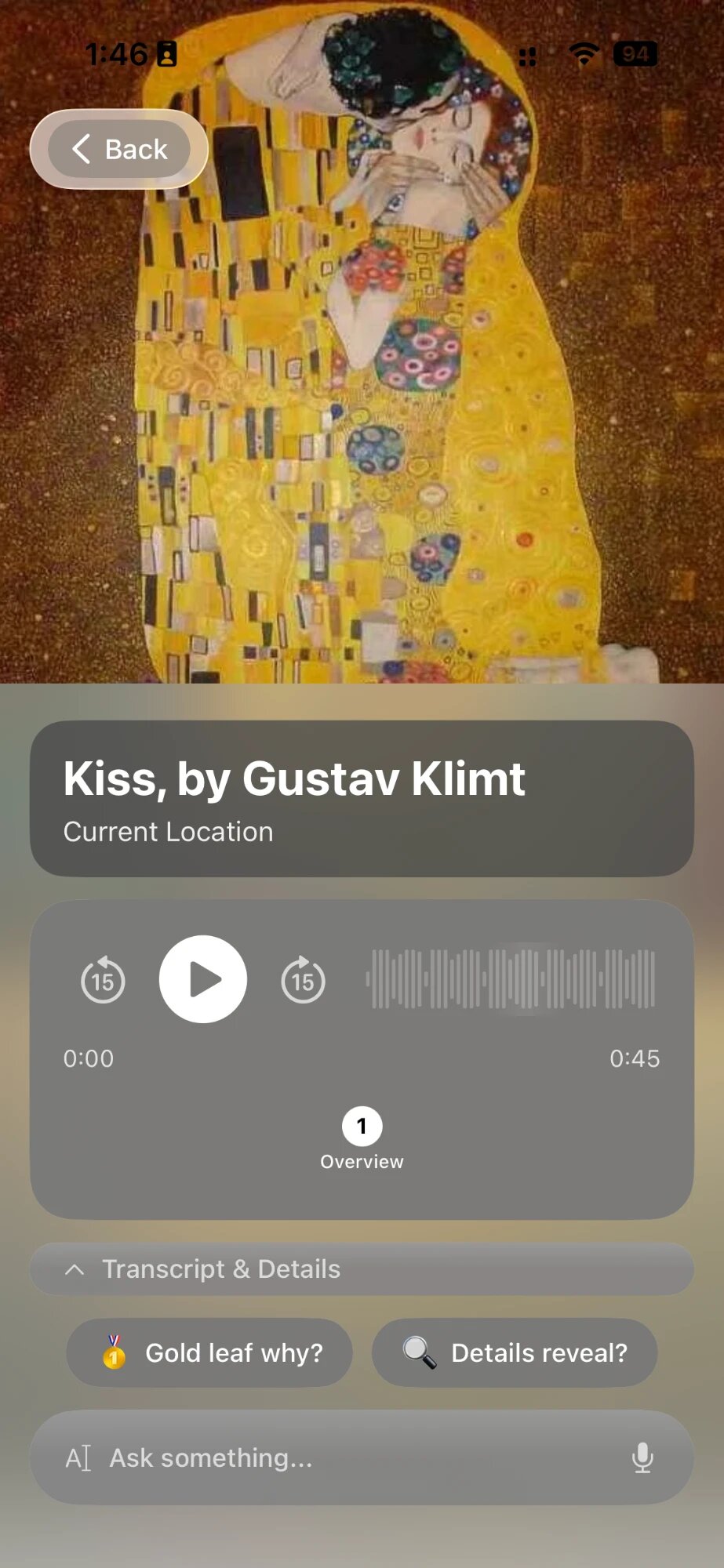
And search is built into the loop. If Chiaro sees something it cannot place from what it already knows, it looks it up. That matters more than it sounds, because cities keep changing. A mural painted last month, a statue unveiled in the spring, a building that opened this year, a piece in a new exhibition: none of these are in any book yet. Chiaro can still find them, and still tell you what you are looking at.
A guide that can look things up
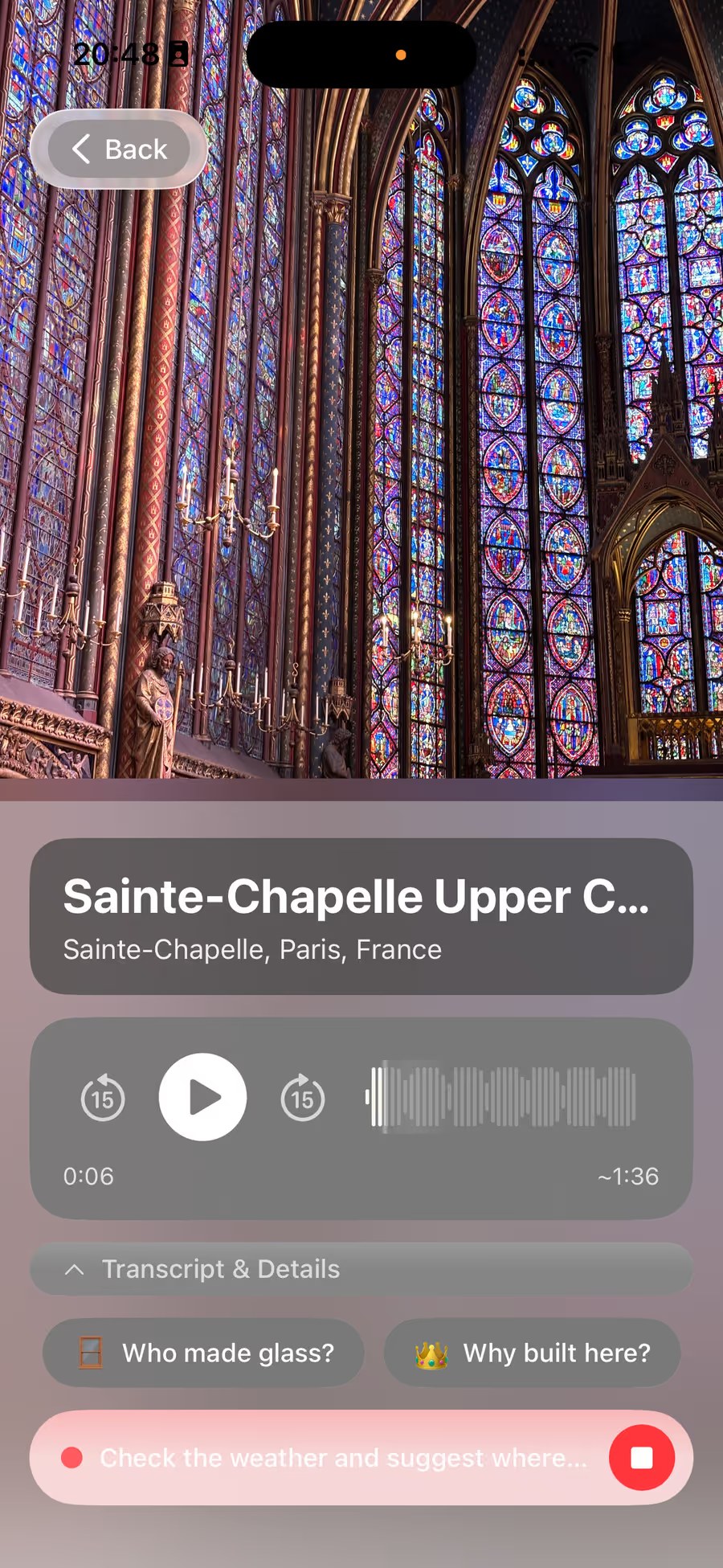
Some questions are about history. Others are about today: is the museum open on Mondays, where do locals eat near here, will it rain this afternoon. Chiaro can now search the web to answer those, in a chat or straight from the guide, typed or out loud. It decides on its own when a question needs fresh information, and you can always just ask it to look something up.
Chats feel more alive, too. A thank-you gets a line back, a question about where to eat gets a proper answer, and only a real plan gets a long one. When places come up, you see them: a card for one place, a map for several, a table when you are comparing. And Chiaro answers in the language you write in.
Read a city like a book
A guide in front of a statue can only tell you so much while you are standing there. The rest comes later, when you have time to sit down and read.
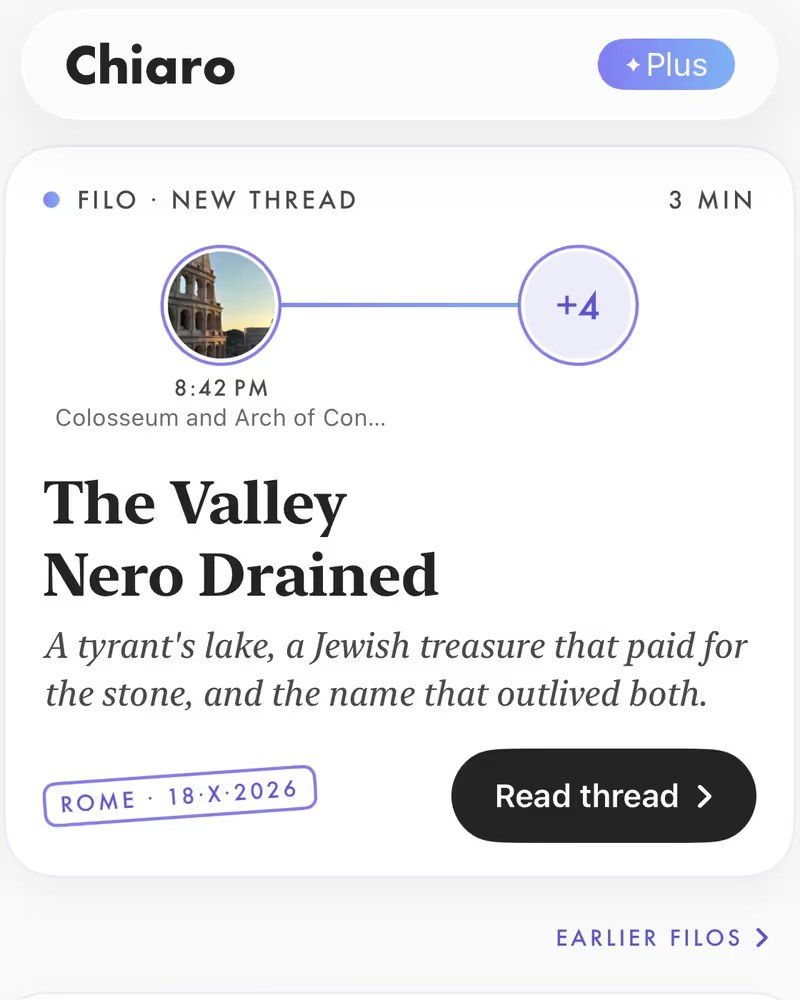
That is what the Filo is for. Every evening, Chiaro turns what you saw that day into a short story that connects the things you looked at in ways you did not notice at the time. A day around the Colosseum turns out to be the story of a lake an emperor drained. Each part of the story offers a few threads to follow, and Go deeper opens any of them into a longer read. On a busy day, a museum with thirty paintings becomes one chapter with its own story, not thirty. The questions you asked during the day are part of it too, so the evening picks up where your curiosity left off.
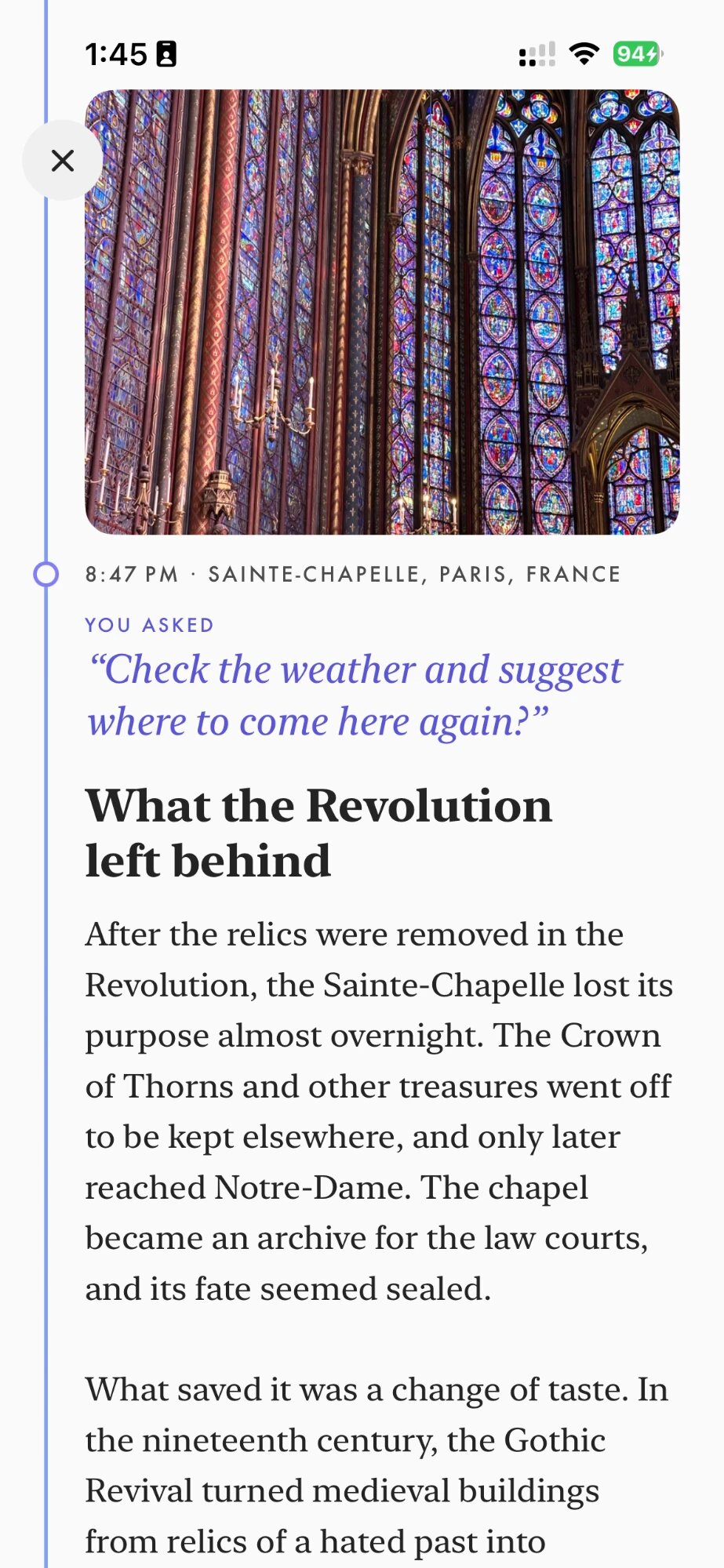
So a trip with Chiaro has a rhythm. In the morning and the afternoon, you recognize what is in front of you and listen. In the evening, you go deeper into what you saw. At the end of the week, or when you leave a city, Chiaro sends a recap of your days there, the city and its places told as one story. When you get home, the whole trip, city by city.
Day by day, you study places the way you would study a good book: a page at a time, each one building on the last, until you know the city instead of just having seen it.
Days you can go back to
The other side of the Filo is memory. Every Filo and every recap is kept in your archive, sorted by month, for as long as you want it. A month after you get home, or a year later, you can open the evening you spent in Tbilisi or the week in Rome, read it again, and live those days a second time.
And now they are safe, too. With cloud sync, everything you have built in Chiaro is saved to your account: what you recognized, your chats, your Filos, your pins. Sign in with Apple on a new phone, and all of your travels come back with you.
A plan for tomorrow, if you want one
Freedom is good. Sometimes you also want someone to think about tomorrow for you. In the evening Filo or on the home screen, Chiaro asks what you have in mind: one of your pinned places, another day in the same city, Surprise me, or heading home.
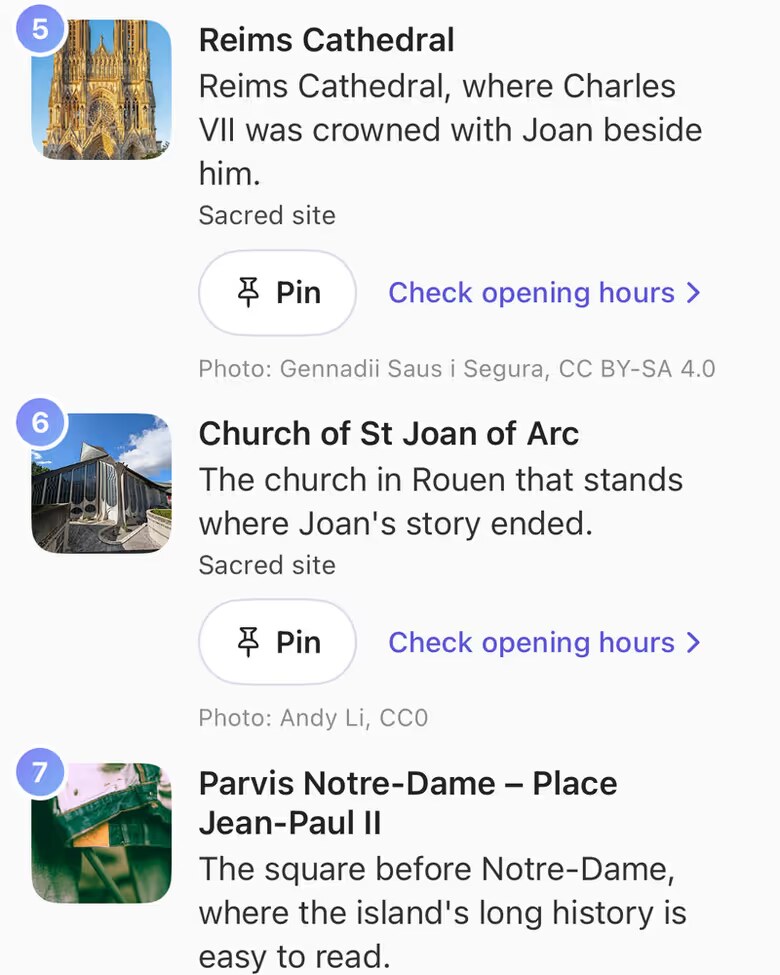
You get a real plan for that exact date, with opening days and the weather already checked, walking times between stops, a reason to go to each one, and a backup for rain. It is a suggestion, not a timetable. Skip a stop, swap it for another, switch to the rain plan, or ask Chiaro to change the whole thing. The plan bends to your day, not the other way around.
Numbers that sound right in Arabic and Slavic languages
A guide is full of numbers: the year a church was finished, the century a painter worked in, how many steps lead to the top. In Arabic and in Slavic languages, saying a number out loud is harder than it looks, because its form changes with the words around it. In Chiaro 2.5 the guide reads numbers in these languages much more naturally, so a date or a year sounds the way a local would say it, not like a digit read off a screen.
The phone goes down
The point of putting everything in one app was never to keep you on your phone longer. It is the opposite. One app means less switching, less searching, less time looking down. You glance at the map, you choose, you walk. You snap, you listen, you look back up at the thing itself.
Chiaro 2.5 is live now. Open the Map wherever you are, pick the pin that looks interesting, and go.
Snap. Listen. Explore.